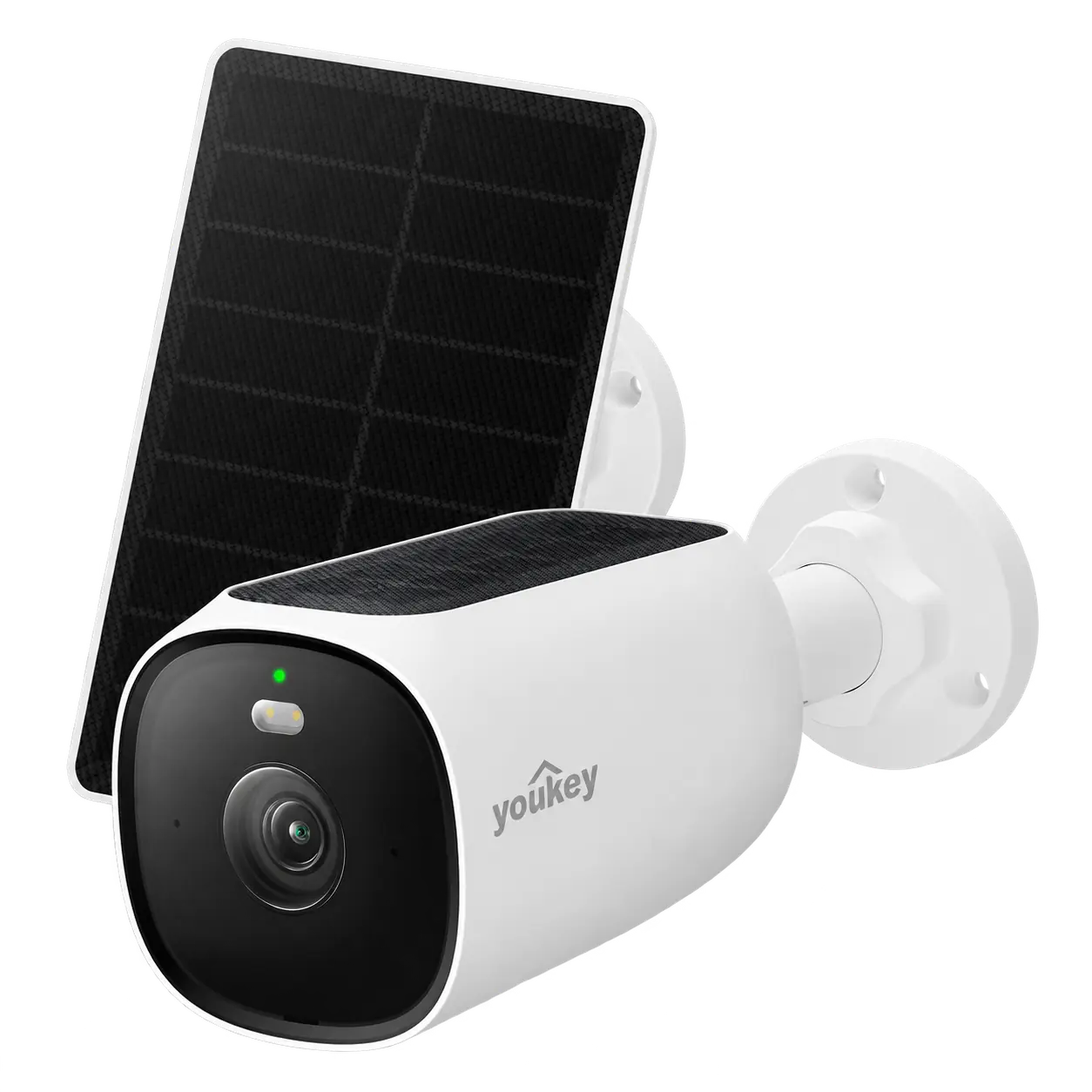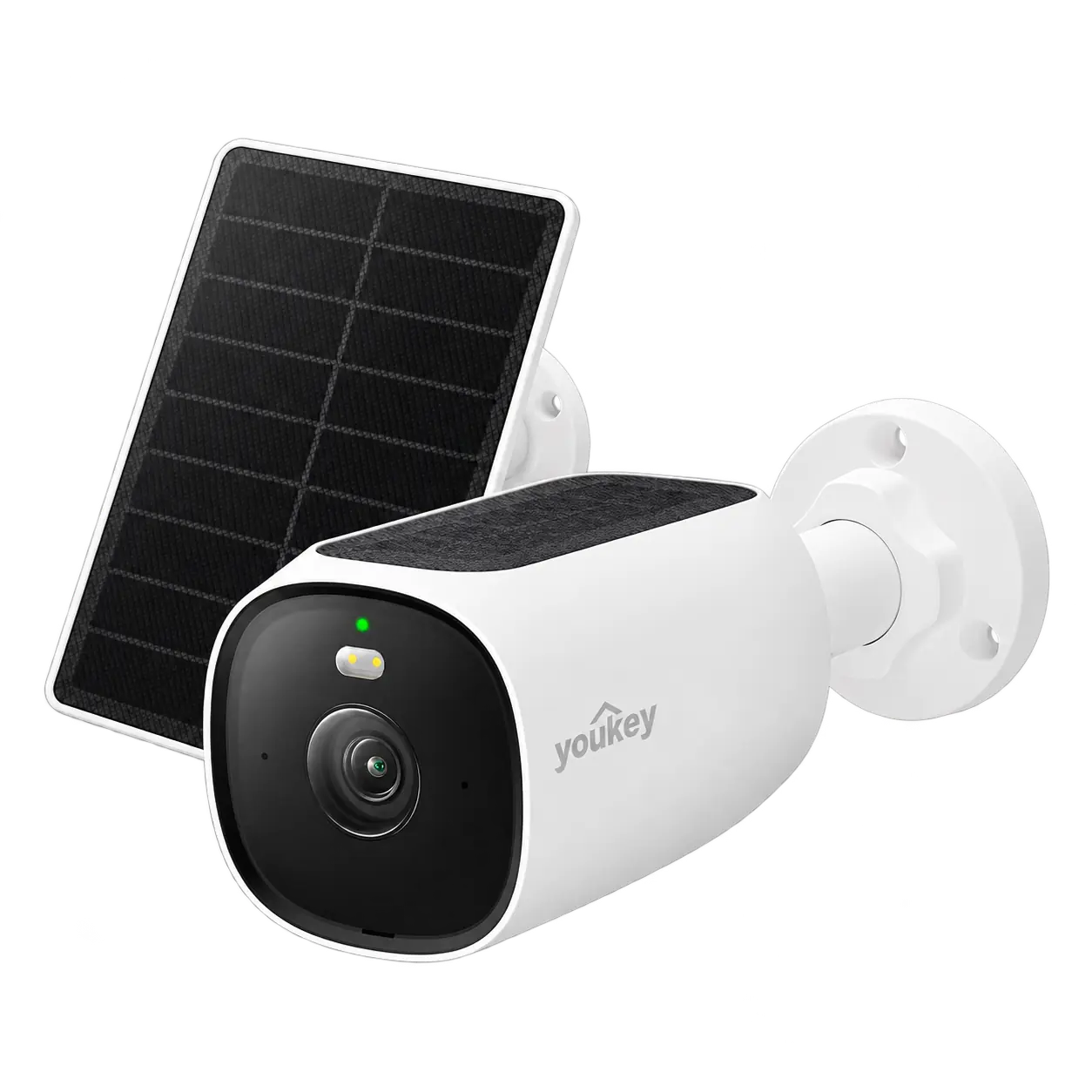
Always-on protection
See the Whole Story.
Not Just the Alert.
S420 keeps watch around the clock with Always-on Video, helping you see what happened before, during and after an event.
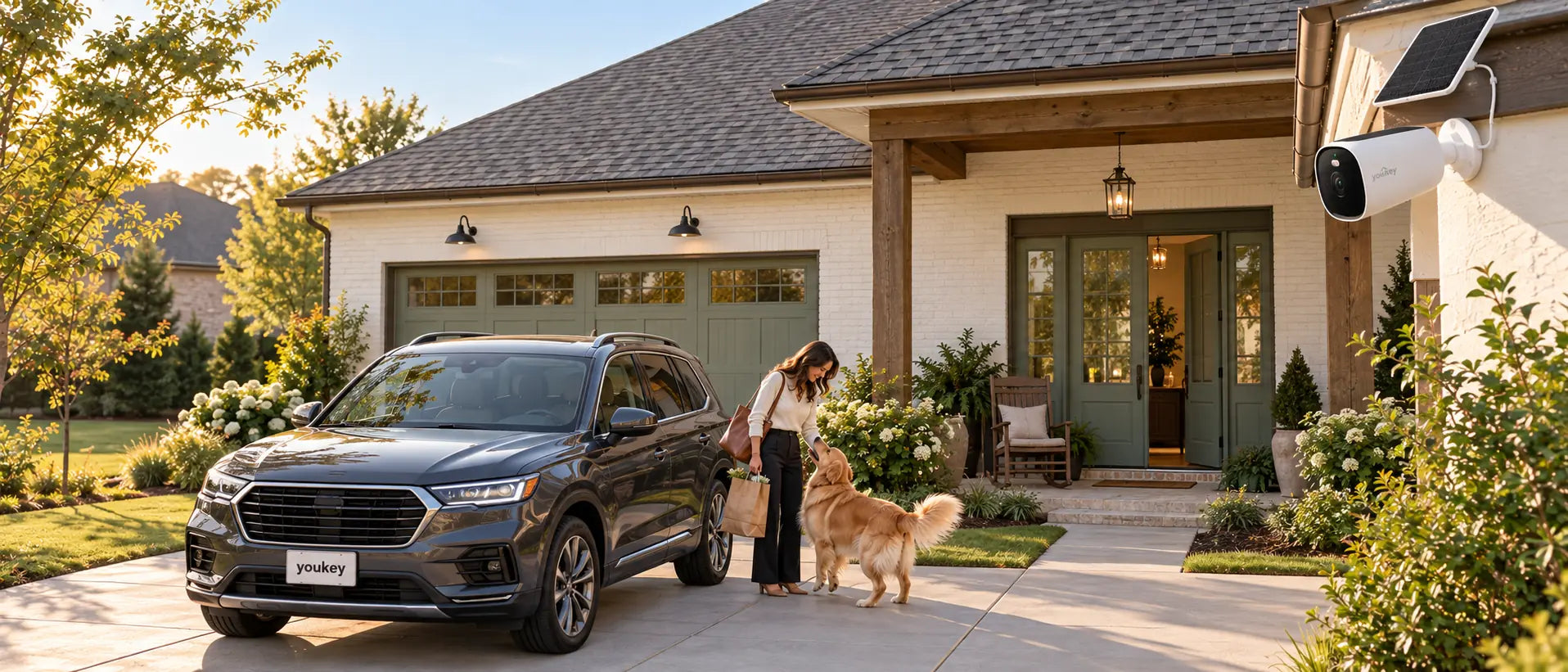

Always-on solar security
*Detection distance varies with mounting height, camera angle, object size, weather and the surrounding environment.
Always-on protection
S420 keeps watch around the clock with Always-on Video, helping you see what happened before, during and after an event.

24/7 AOV in action
Follow one vehicle before, during and after detection.
24/7 AOV
With continuous recording, S420 keeps the moments around every detected event—not only the alert itself.
A vehicle is detected as it passes through the monitored area.
Look back beyond the alert to see how the vehicle first entered the scene.
Move forward on the same timeline to see where it went and how the event ended.
Made for everyday life
Mount S420 with a clear view of the outdoor areas you use every day.
Core capabilities
S420 AOV Solar Security Camera
Image, power, detection and storage—kept visual and easy to scan.

Local recording
Add a microSD card to save continuous or event recordings locally—without another monthly subscription.
Add a microSD card for continuous or event recording. Supports up to 512GB. Card sold separately.
Bring S420 into a broader Youkey home setup and connect multiple compatible cameras through H310.
Smart-home compatibility
Product comparison
S420 delivers 2.5K clarity with a 115° field of view. S420 Pro steps up to 4K detail and a wider 128° view, while keeping the same AOV, solar power and smart detection essentials.
| Compare models | S4202.5K AOV solar camera | S420 Pro4K AOV solar camera |
|---|---|---|
| Product | ![]() |
![]() |
| Video Resolution | 2.5K QHD2560 × 1440 | 4K Ultra HD3840 × 2160 |
| Diagonal Field of View | 115° | 128° |
| Person Detection | ✓ | ✓ |
| Vehicle Detection | ✓ | ✓ |
| Cross-line Detection1 | ✓ | ✓ |
| Mounting | Wall or ceiling mount | Wall or ceiling mount |
| Night Vision | Infrared up to 10mColor up to 5m | Infrared up to 10mColor up to 5m |
| Battery | 10,000mAh | 10,000mAh |
| Dual Solar Power | 0.66W built-in solar3W external panel included | 0.66W built-in solar3W external panel included |
| Type-C Charging | 5V/2A | 5V/2A |
| Wi-Fi Band | 2.4GHz only | 2.4GHz only |
| Wi-Fi 6 | ✓ | ✓ |
| Bluetooth Setup | ✓ | ✓ |
| Alexa & Google Assistant | ✓ | ✓ |
| Local Storage | microSD up to 512GB | microSD up to 512GB |
| Recording Type | 24/7 AOV timeline+ event recording | 24/7 AOV timeline+ event recording |
| Sound + Light Alarm | ✓ | ✓ |
| Two-way Audio | ✓ | ✓ |
| Weather Resistance | IP65 | IP65 |
| App | youkey Life App | youkey Life App |
1 Cross-line detection applies to people and vehicles.
FAQ
Use a larger-capacity microSD card. S420 supports cards up to 512GB. You can also subscribe to the optional Cloud Album service or pair the camera with an H310 Homebase to store footage on its hard drive.
AOV low-frame-rate recordings do not capture audio, so it is normal for these parts of the timeline to have no sound. Event-triggered recordings switch to full-frame-rate recording at 15 fps. If an event recording has no sound, go to Settings → Audio and make sure both Audio Recording and Microphone are turned on. Also remove any protective film covering the microphone opening, then restart the camera if needed.
Restart the camera after reinserting the microSD card so recording and playback can resume. When installing a replacement card, restart the camera first and wait for it to finish rebooting before formatting the card. Formatting erases all existing data on the card.
The solar panel may not be receiving enough direct sunlight, or the camera may be using power faster than the panel can replace it. Make sure the panel is not shaded or obstructed and is positioned for direct sunlight. Charging may also be limited during extended cloudy or rainy weather. If the panel is charging normally but the battery continues to drop, go to Settings → Battery Management and select Optimal Battery Life to reduce power use.
S420 and S420 Pro use 2.4GHz Wi-Fi only. Confirm that Bluetooth is enabled on your phone and that you entered the correct Wi-Fi password. Move the camera closer to the router, briefly press the SYNC button for about 2 seconds, and try setup again. During pairing, the camera’s LED should flash green. If pressing and holding SYNC produces no response, charge the camera before retrying.
S420 AOV Solar Security Camera
24/7 AOV · Dual solar + 10,000mAh · Free AI detection
Buy on Amazon ↗