
 United States


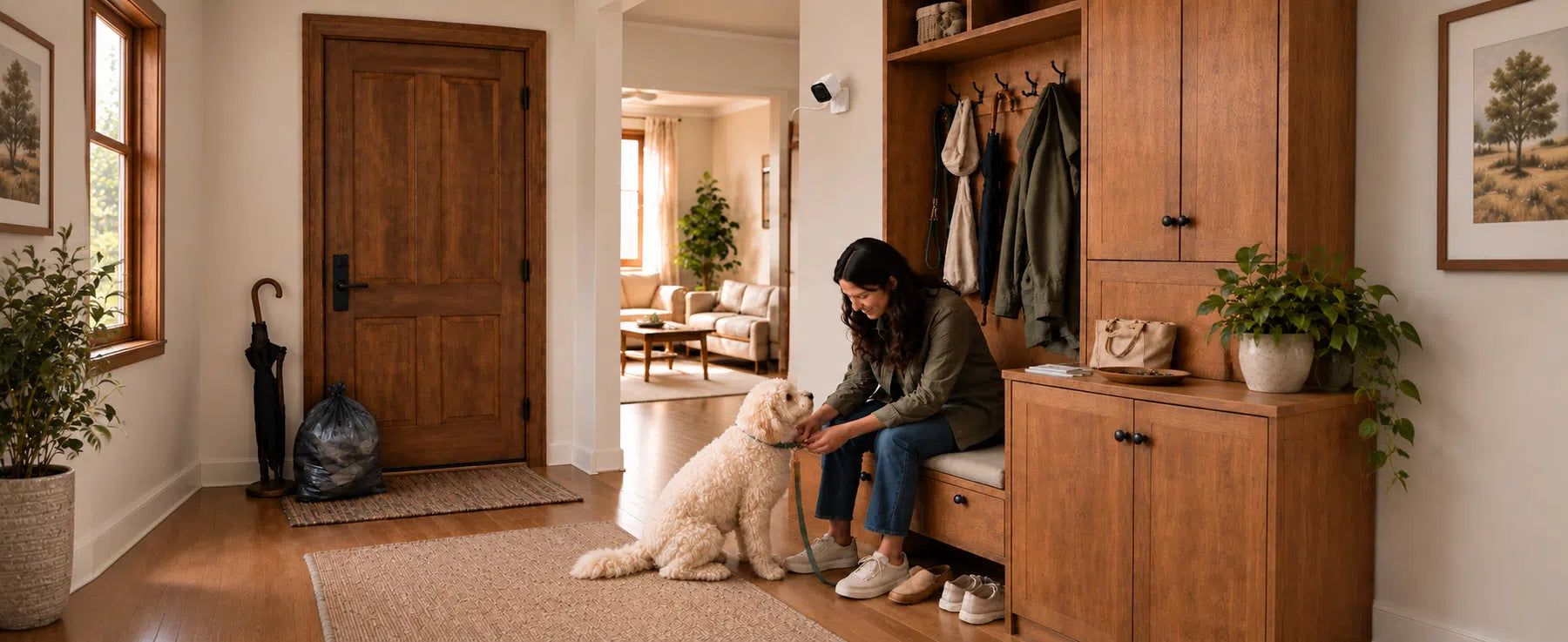
Entryway
Keep the everyday comings and goings in view.
A compact wall-mounted view for arrivals, departures, and everyday household movement.

A compact fixed-view camera made for the corners of home that matter every day—without asking for the spotlight.

P370A folds down for a lower profile, opens to find the right angle, and uses its magnetic base to snap onto compatible metal surfaces.
Fold it flat, open the stand, or use the magnetic base—then switch scenes to see how each setup fits naturally into the room.
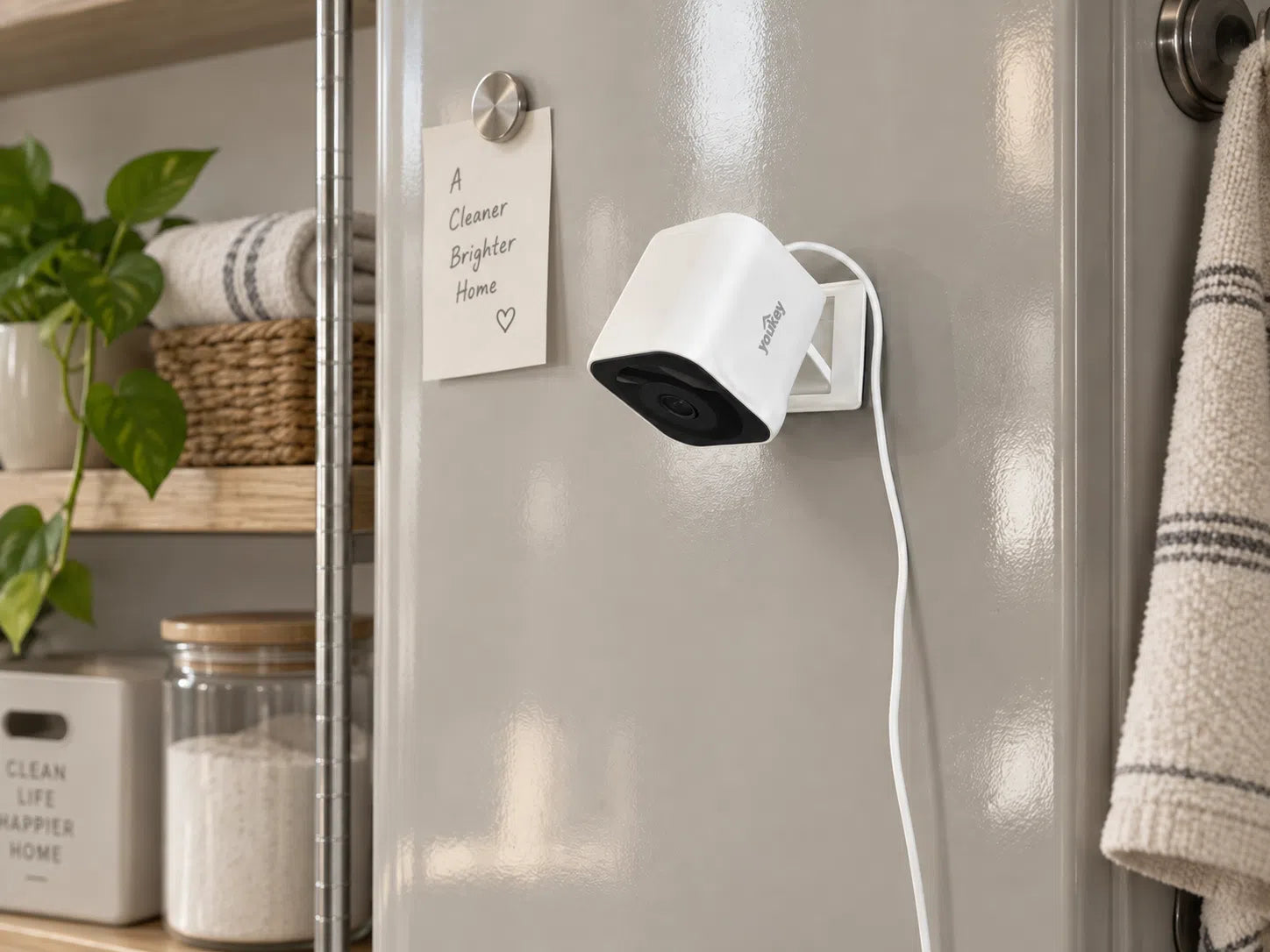

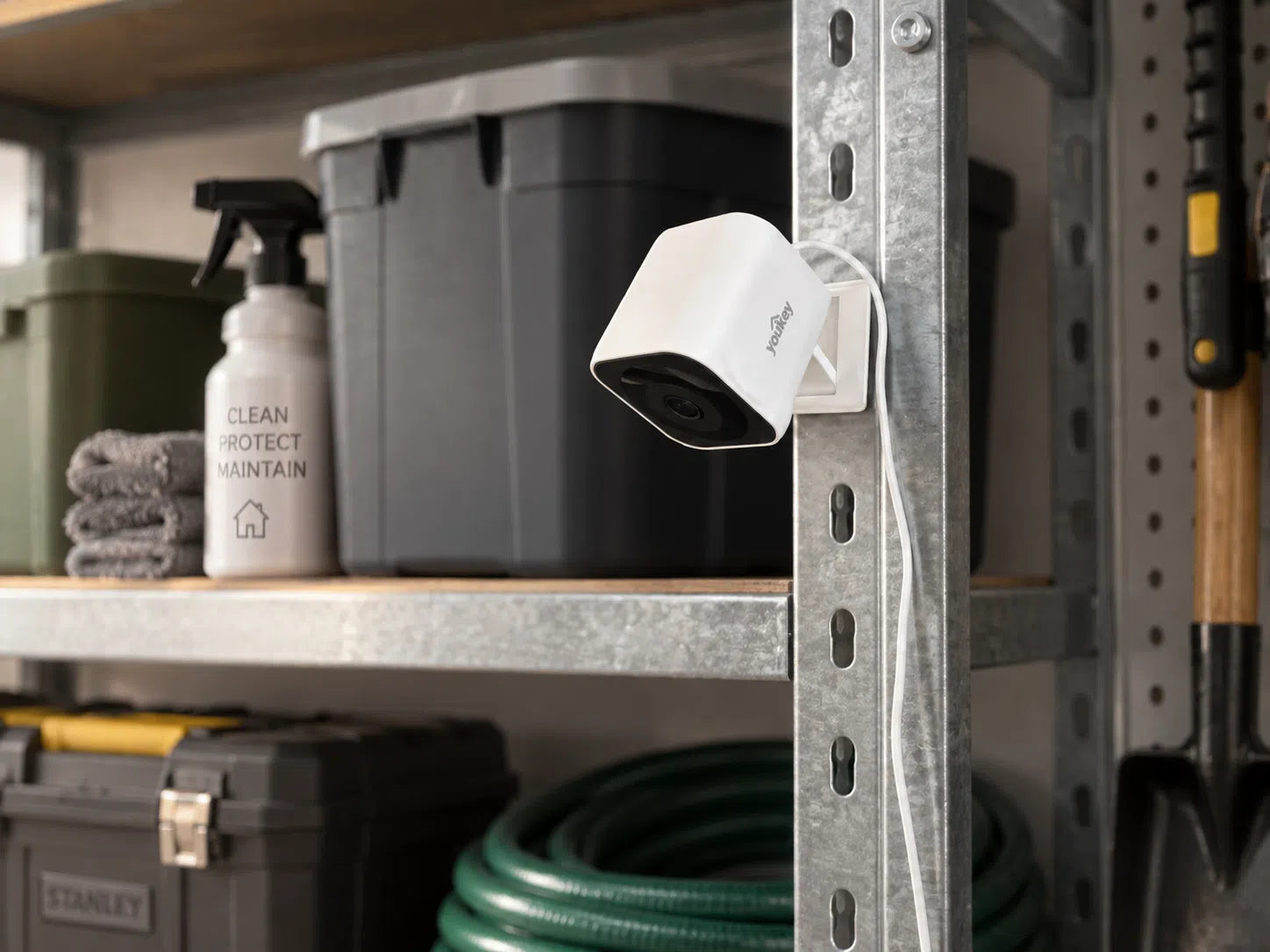

See how the same compact camera settles naturally into the entryway, kitchen, dining area, nursery, or garage—without overcomplicating the room.
A compact wall-mounted view for arrivals, departures, and everyday household movement.

A magnetic refrigerator placement keeps P370A close to the center of family routines—easy to reposition, easy to live with.
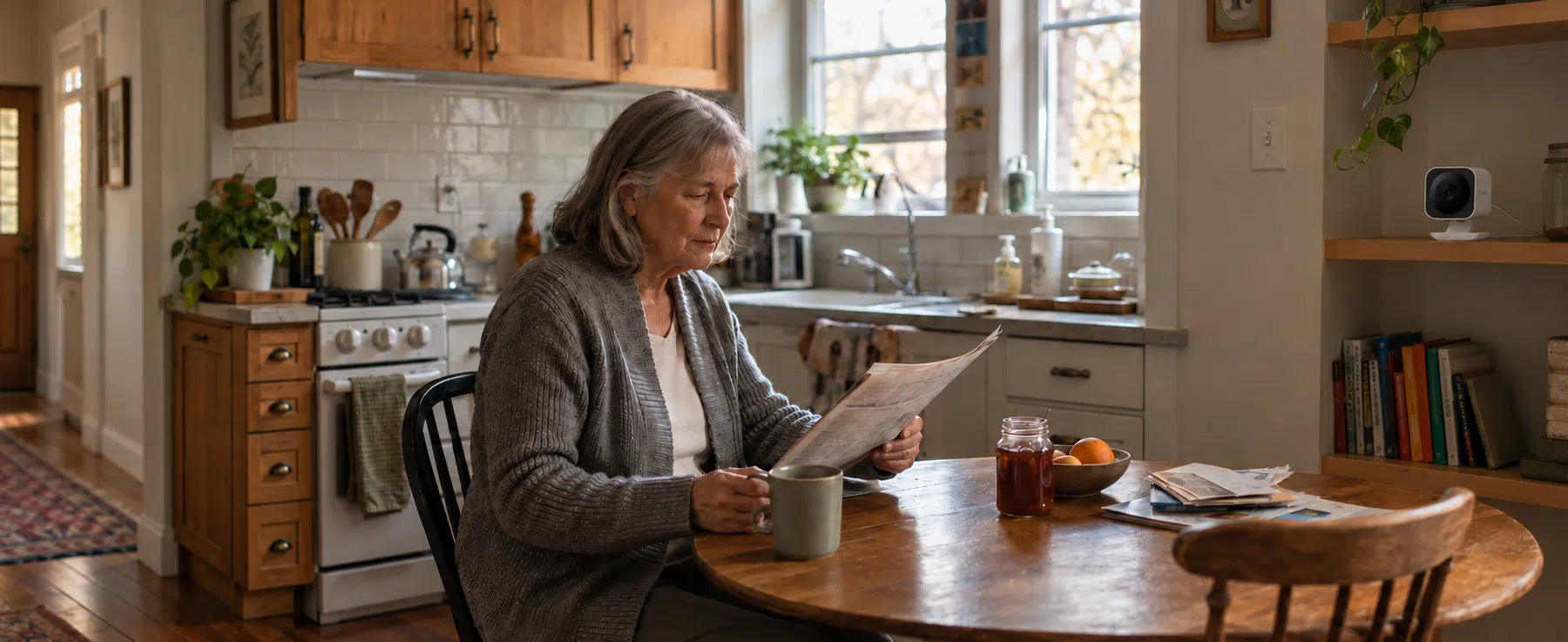
A calm fixed view for reading, meals, and everyday routines around the dining area.
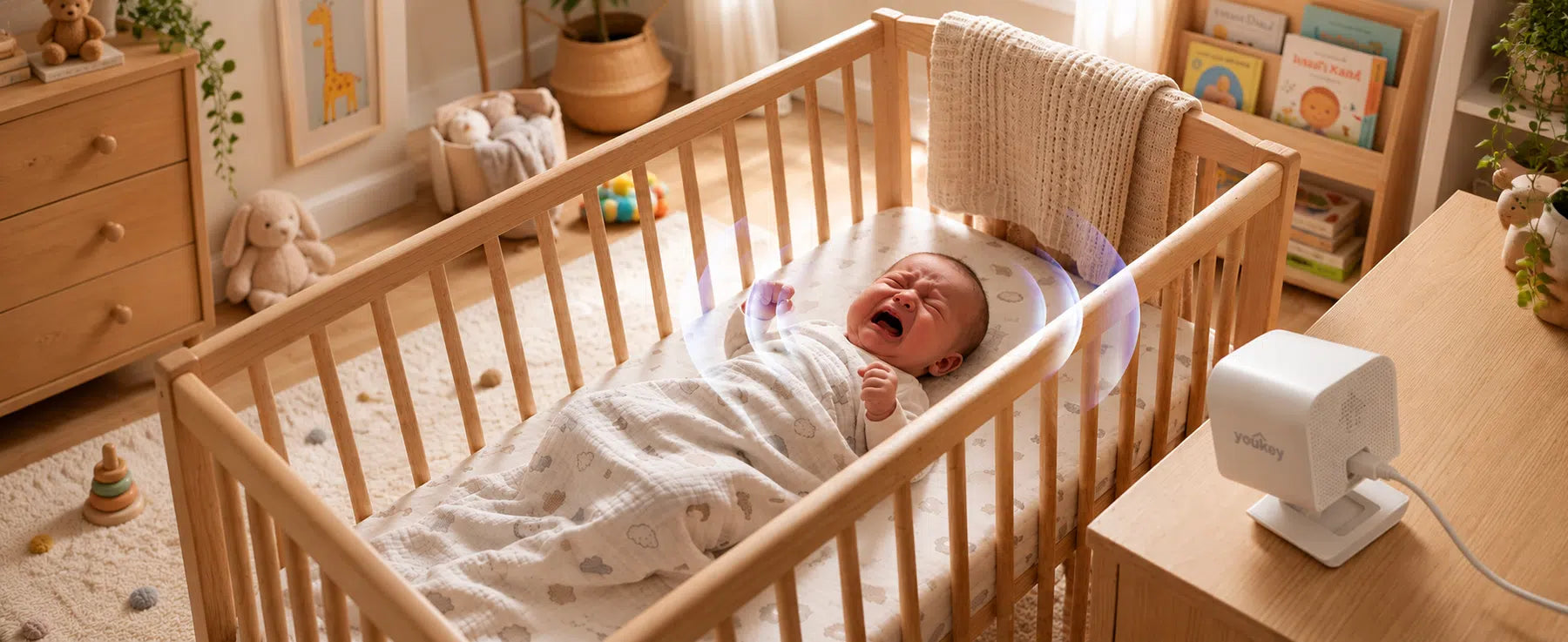
Baby-cry detection and two-way audio make P370A a natural fit for nursery check-ins.
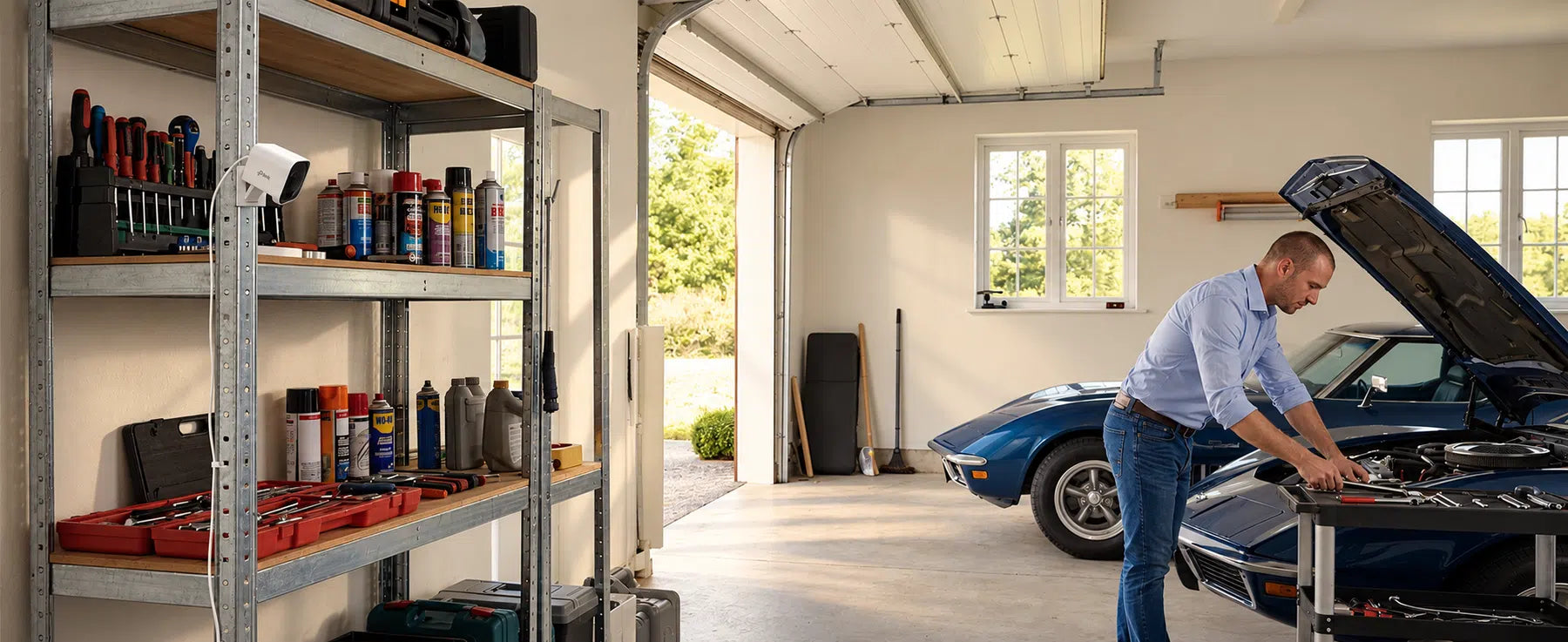
Snap it onto a metal rack with the magnetic base for a quick no-install setup, or place it on a shelf, workbench, or another convenient spot in the garage.
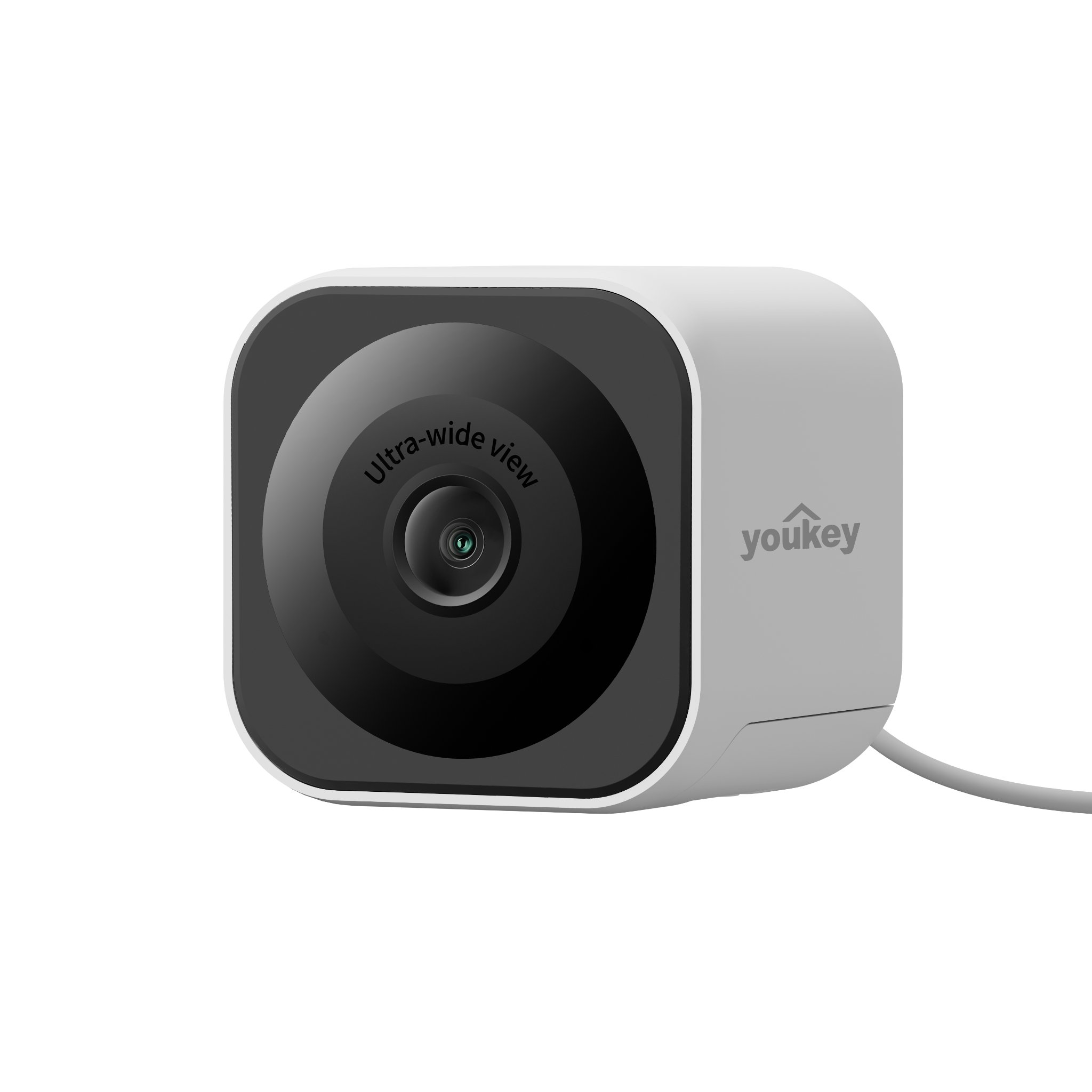
Flexible indoor monitoring with a foldable magnetic design, continuous recording, smart person and pet detection, baby-cry alerts, and local storage.
Clear detail for everyday indoor check-ins.

See whether a person or pet is behind the activity.

Get alerted when baby-cry audio is detected.

Trigger a recorded cue—like “Out of the kitchen”—when your pet enters a custom zone.
Reliable 2.4GHz wireless setup.

Infrared illumination keeps useful visibility after the room gets dark.
Get notified when meaningful activity is detected.
Listen and speak through the Youkey Life app.
Pause the camera view when you want more privacy.
Switch from event clips to continuous local recording when Continuous Recording is enabled.

Fold it flat, open the stand, or snap the magnetic base onto compatible metal surfaces.
Keep event clips local with microSD storage—no required monthly subscription for core local recording.
Add a compatible microSD card (not included) for local recording directly on P370A. Card sold separately.
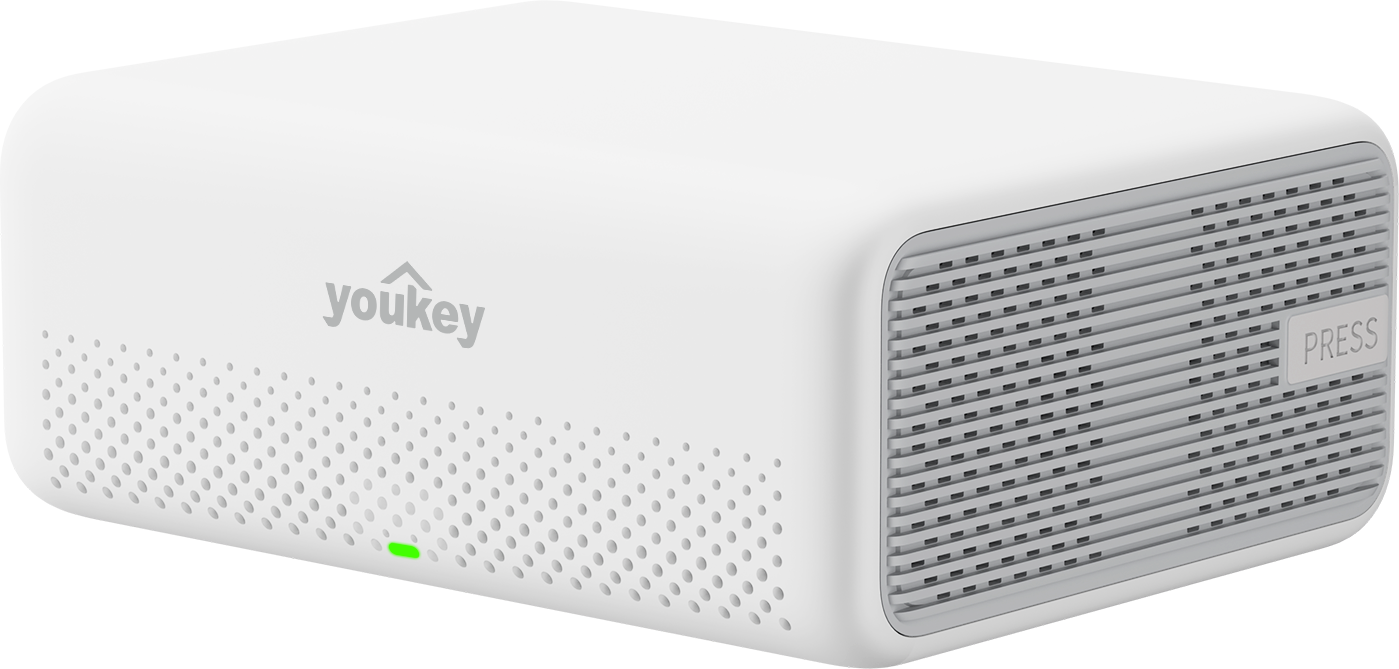
Bring P370A into a broader Youkey home setup and connect multiple compatible cameras through H310.


Compare P370A with three Youkey indoor cameras across the features that matter most when choosing the right camera for each space.
| Category | P370A | S320 | P310 | P311A |
|---|---|---|---|---|
| Product image |  |  |  |  |
| Best use | Compact fixed-view indoor monitoring | Flexible indoor / outdoor monitoring | Whole-room indoor monitoring | Whole-room indoor monitoring |
| Use range | Indoor | Indoor + outdoor / IP65 | Indoor | Indoor |
| Resolution | 2K (2304 × 1296) | 2.5K (2560 × 1440) | 2.5K (2560 × 1440) | 2K (2304 × 1296) |
| Smart detection | Human, pet, audio, cry | Motion, human, pet | Human, human tracking, pet, audio, cry | Human, human tracking, pet, audio, cry |
| Pet command | Yes | No | Yes | Yes |
| Lens / aperture | 2.8 mm · F2.0 | 2.2 mm · F1.6 | 2.8 mm · F1.6 | 4.0 mm · F2.0 |
| Mounting | Magnetic base, wall mount, or desktop placement | Magnetic base, wall mount, or desktop placement | Ceiling mount or desktop placement | Ceiling mount or desktop placement |
| Night vision | Infrared | Color night vision + infrared | Infrared | Infrared |
| Power | Type-C DC 5V/1A | 6400mAh rechargeable battery Type-C DC 5V/2A | Type-C DC 5V/1.5A | Type-C DC 5V/1.5A |
| Network | 2.4GHz Wi‑Fi 6 | 2.4 / 5GHz Wi‑Fi 6 | 2.4 / 5GHz Wi‑Fi 6 | 2.4GHz Wi‑Fi 6 |
| Setup | Bluetooth-assisted setup | Bluetooth-assisted setup | Bluetooth-assisted setup | Bluetooth-assisted setup |
| View type | Fixed view | Fixed wide view | Pan & tilt | Pan & tilt |
| Coverage angle | 105.1° field of view | 150° field of view | 113° field of view pan 0–350° + tilt −10–55° | 77.8° field of view pan 0–350° + tilt −15–90° |
| Smart-home support | Alexa / Google support | Alexa / Google support | Alexa / Google support | Alexa / Google support |
| Local storage | microSD up to 512GB (not included) | Built-in 8GB eMMC | microSD up to 512GB (not included) | microSD up to 512GB (not included) |
| Recording type | 24/7 continuous or event recording | Event-triggered recording | 24/7 continuous or event recording | 24/7 continuous or event recording |
| Two-way talk | Yes | Yes | Yes | Yes |
| How to control | Youkey Life app | Youkey Life app | Youkey Life app | Youkey Life app |
| Privacy mode | Up to 3 privacy-mask areas + one-tap camera off in app | Up to 3 privacy-mask areas + one-tap camera off in app | Physical privacy shield + in-app privacy mode | Physical privacy masking + in-app privacy mode |
| Buy | Buy on Amazon | Buy on Amazon | Buy on Amazon | Buy on Amazon |
Helpful answers to common questions about setup, features, recording, privacy, and everyday use.
1. Go to Settings > Pet Command > Auto Response, play the default audio “interseting xylophone sound”. If there’s no sound or the sound is very low, please go to Settings > Audio and turn up the alarm volume.
2. If you are using a custom audio, play the custom audio after the “interseting xylophone sound” audio is tested normal.
3. Go to Settings > Motion Detection to check that Motion Detection is On, Pet is selected for Detection Type, and the Detection Zone is set correctly.
If the issue remains unsolved, please contact youkey's after-sales service at support@youkey.com.
Yes. The steps are as follows:
Go to Settings and turn on Privacy Shield. The live video, recording, event detection, and alarm functions will be all unavailable.
1. Insert an SD card and check its status in Device Settings > General > Local Storage. If the status is abnormal, format the SD card.
2. Enable Continuous Recording in Device settings > Video > Continuous Recording.
1. No video recording at all
(1) Access the device, go to Settings > General > Local Storage, check if the SD card status is normal. After inserting a new SD card, it must be formatted on this page before use.
Caution! Formatting will erase all the data on the SD card.
(2) If Continuous Recording is disabled and there are still no recordings, check whether Motion Detection is enabled, and whether the event is triggered. When Continuous Recording is disabled, the device stores recordings locally as event recordings. Please check if the device mode on the Security menu is set to Disarmed mode; if so, please switch to another mode.
(3) If Continuous Recording is not enabled, and you can receive event notifications but cannot find the event and recordings in Events, check if the device mode on the Security menu is set to Disarmed mode; if so, please switch to a different mode. If not, please ensure that Video Recording is enabled in that mode.
2. Only sporadic recordings.
(1) If you need all-day recordings, go to Settings > Video > Continuous Recording, enable Continuous Recording and configure the Schedule. Once set up, the device will record video according to the set schedule.
(2) If you need event recordings but find that the generated events are less than expected, check on the Motion Detection menu, select the object types you want to detect, and increase the detection sensitivity as appropriate.
If the issue remains unsolved, please contact youkey's after-sales service at support@youkey.com.
1. To enable all sounds detection, go to Device Settings > Sound Detection > Detection Type, and select All Sounds.
2. Differences between Crying and All Sounds:
Crying: Only detects cries.
All Sounds: Detects all abnormal sounds and cries.
There are no subscription fees. With a one-time purchase, you get free live view, recording (need a SD card), playback, and AI detection at no extra cost.
For users who need more storage, we offer optional youkey H310 and cloud storage upgrades.
Yes, you can select your desired infrared night vision mode in the app's settings page.
Yes, the device is set to event recording mode by default. You need to insert an SD card first, then go to the Settings page and enable Continuous Recording to get 24/7 recording. The recorded videos will include both image and audio.
No, the youkey P370A mini indoor camera only supports 2.4GHz WiFi when connected.
The youkey P370A Mini Indoor Camera includes a magnetic base and mounting accessories. It can be placed on a desk, attached to metal surfaces, or wall-mounted. Simply plug in the power cable. Bluetooth pairing speeds up setup and connection.
2K · Foldable design · Magnetic base
Buy on Amazon ↗
