
 United States


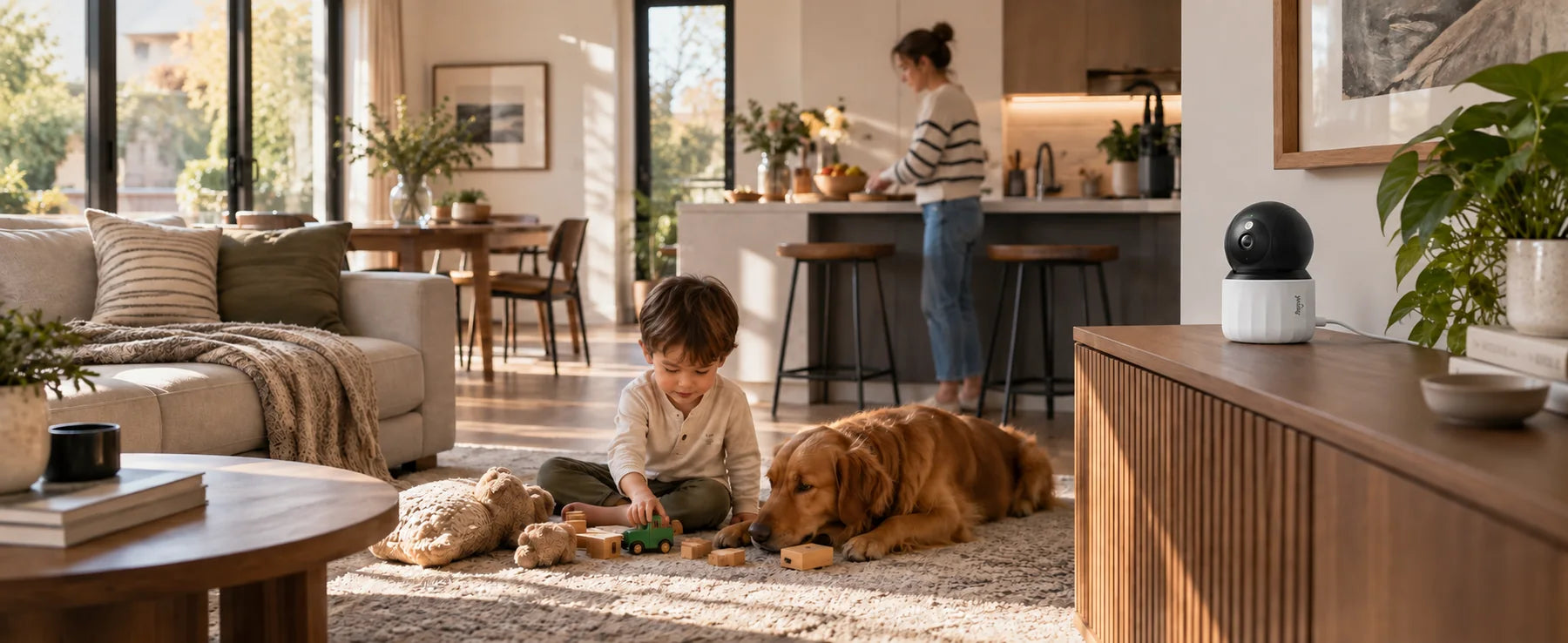
Living room
Everyday home
Keep an eye on playtime and everyday movement across the shared family space.

2K indoor coverage with human auto tracking and AI detection—without a required monthly subscription.

Pan across the room, tilt up or down, and check in from more angles—all without moving the camera.
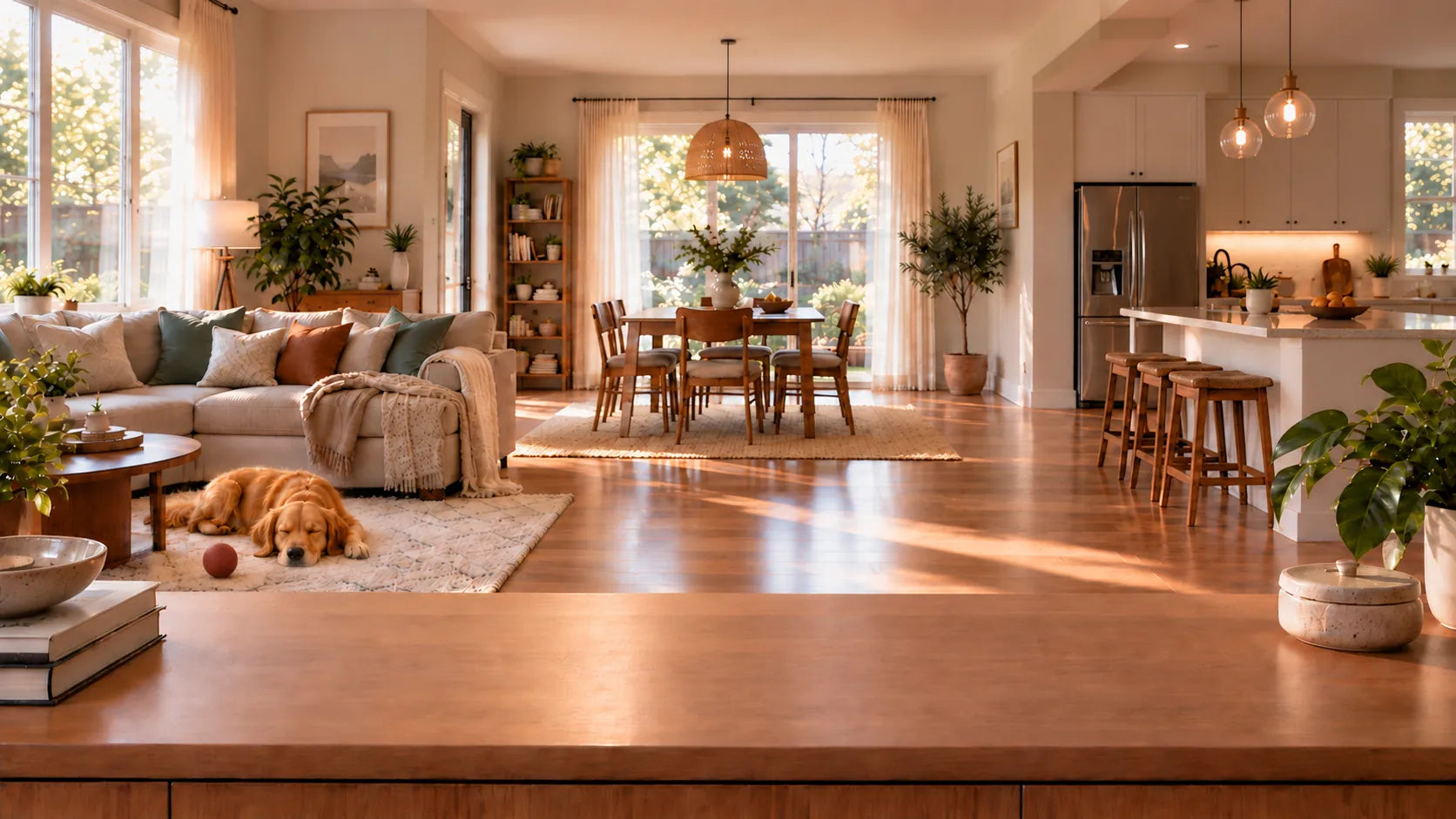
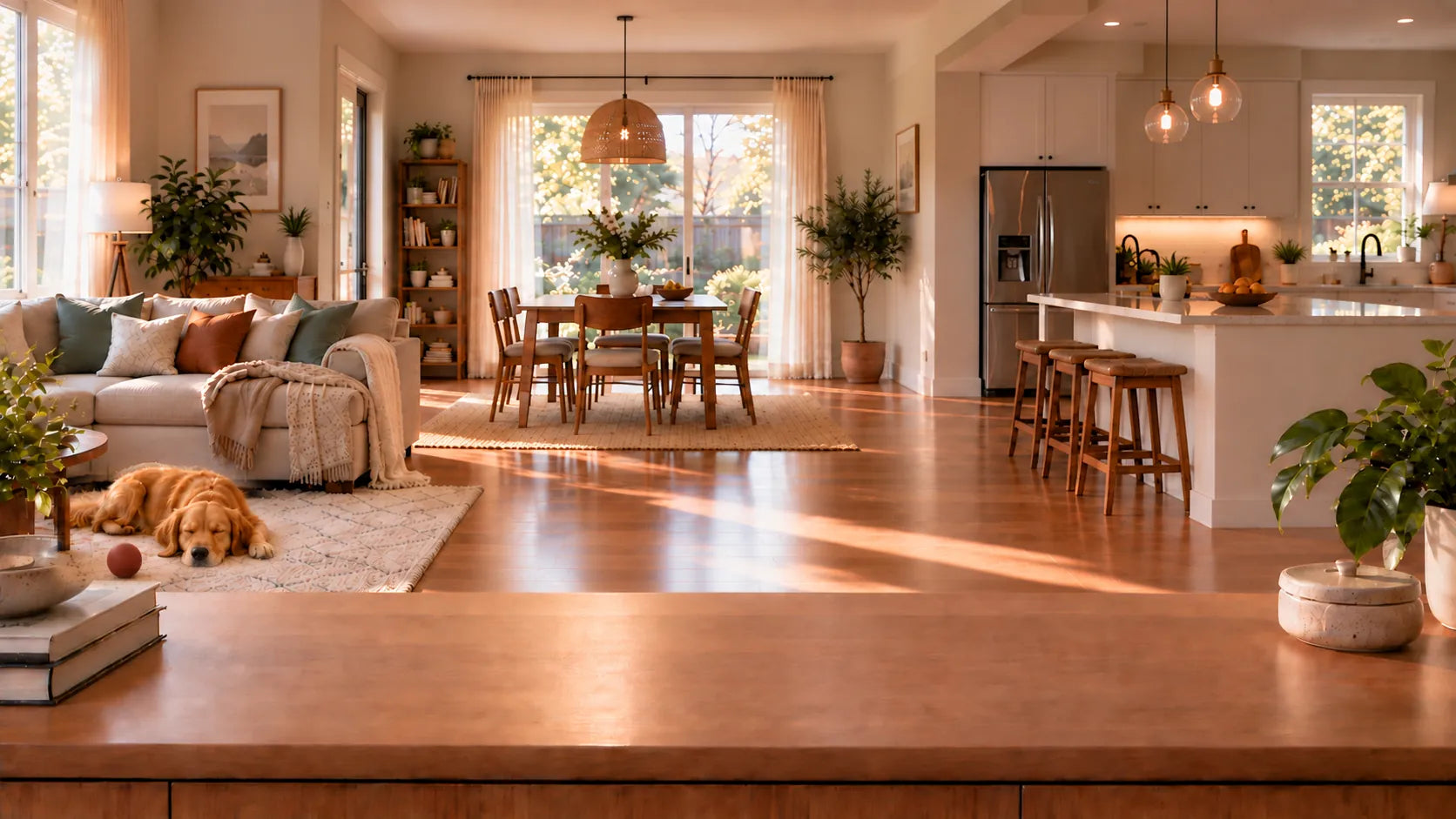
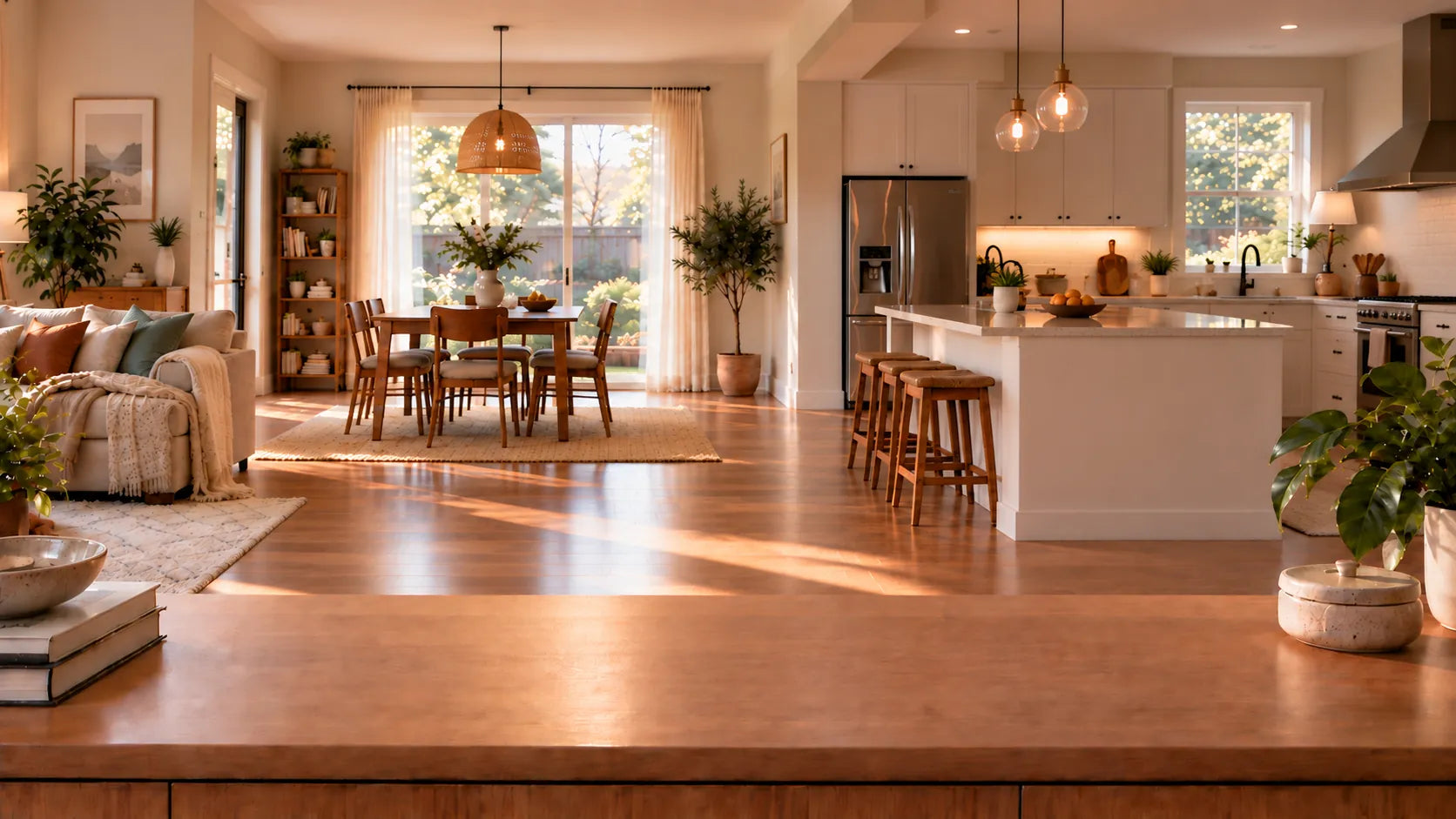
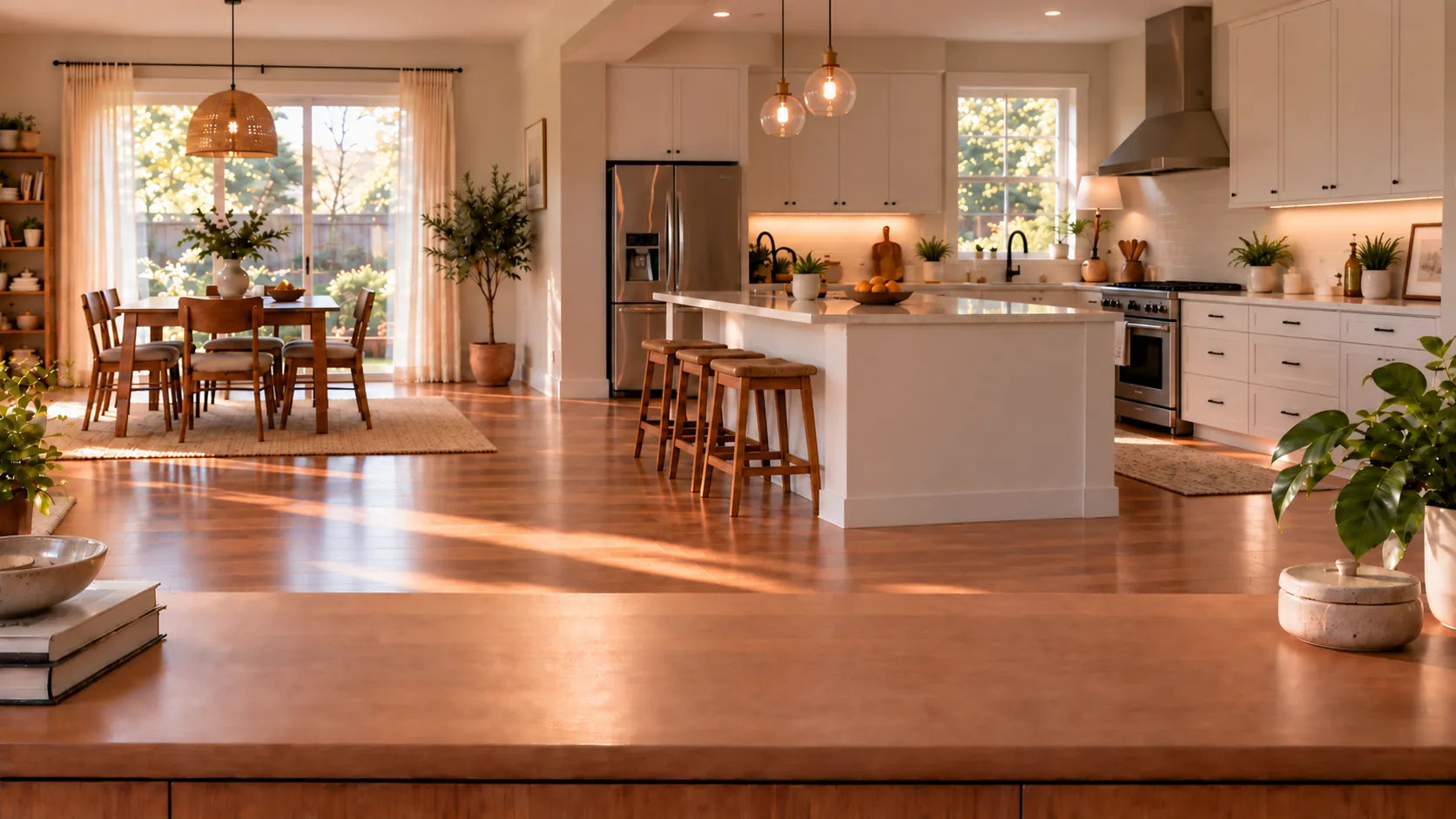
P311A fits naturally into everyday rooms—from shared living spaces and pet care to nursery check-ins and aging at home.
Keep an eye on playtime and everyday movement across the shared family space.
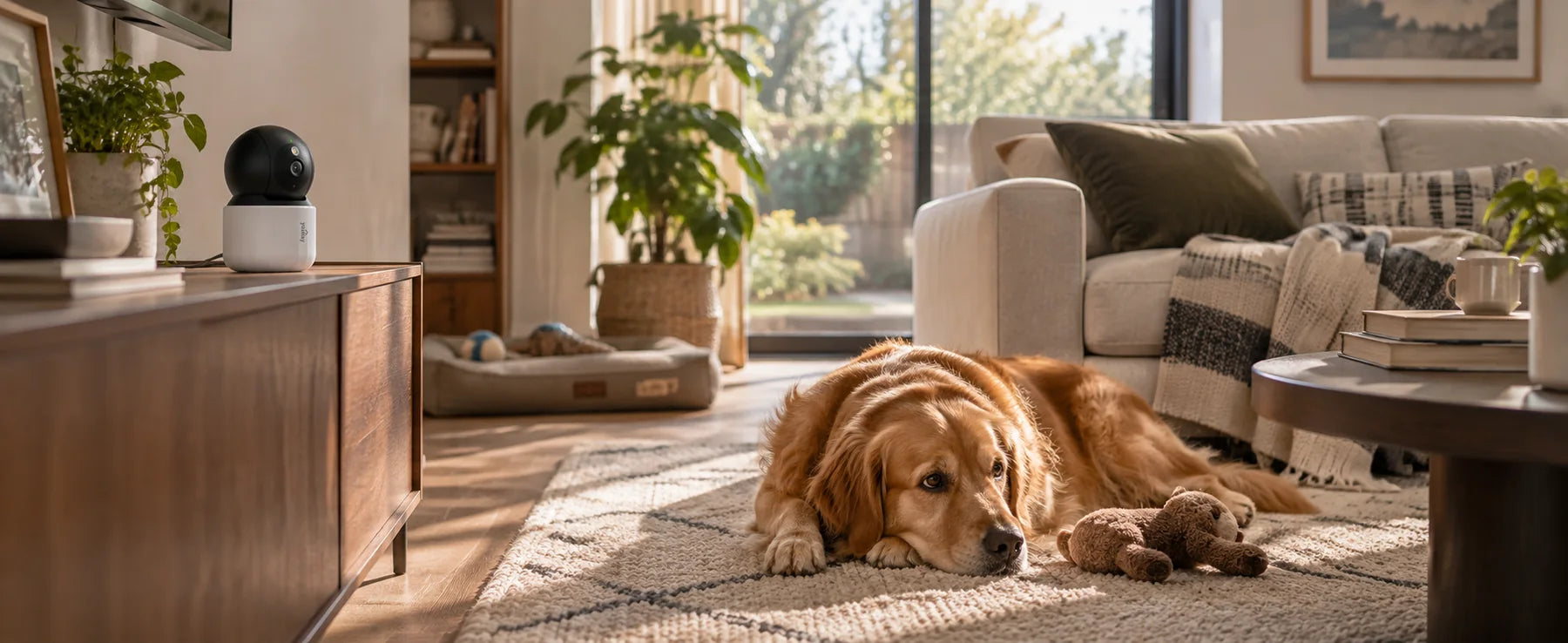
Check in on a resting pet and use Pet Command or two-way talk when needed.
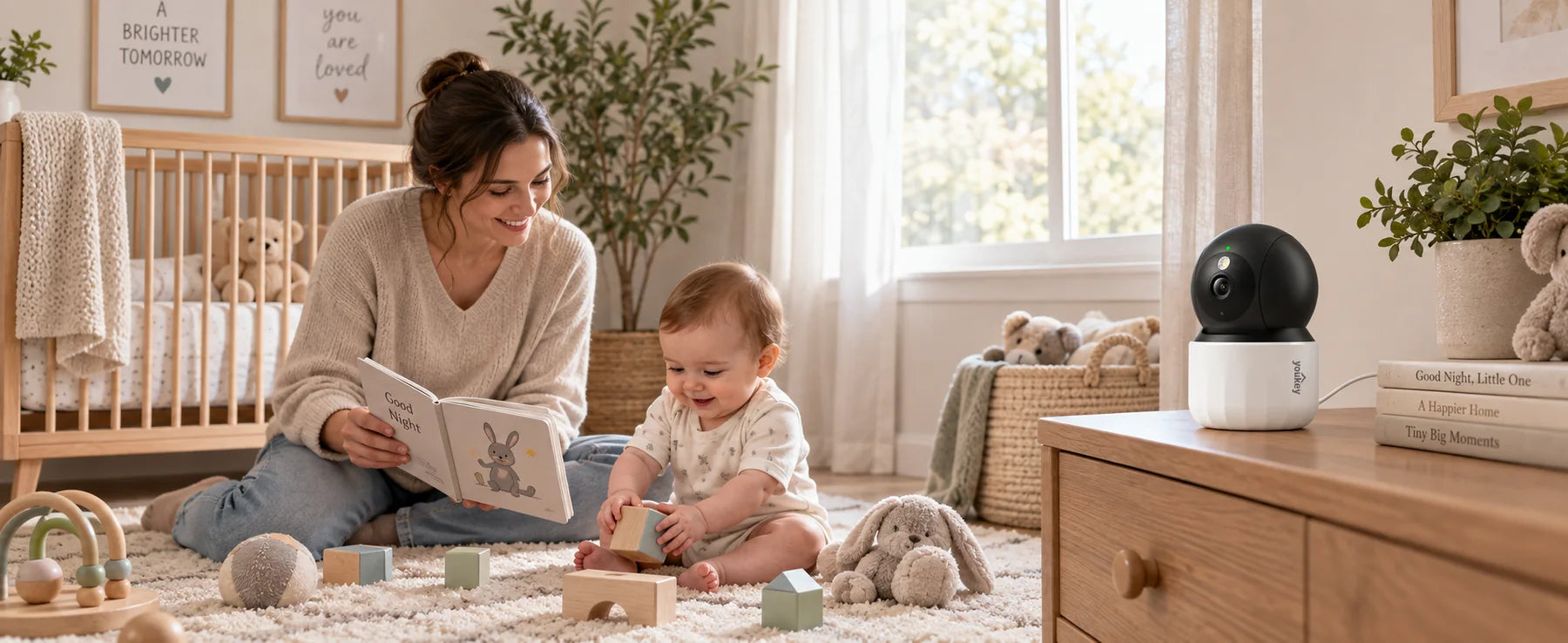
Use crying detection, audio alerts, and room-wide pan and tilt for nursery check-ins.
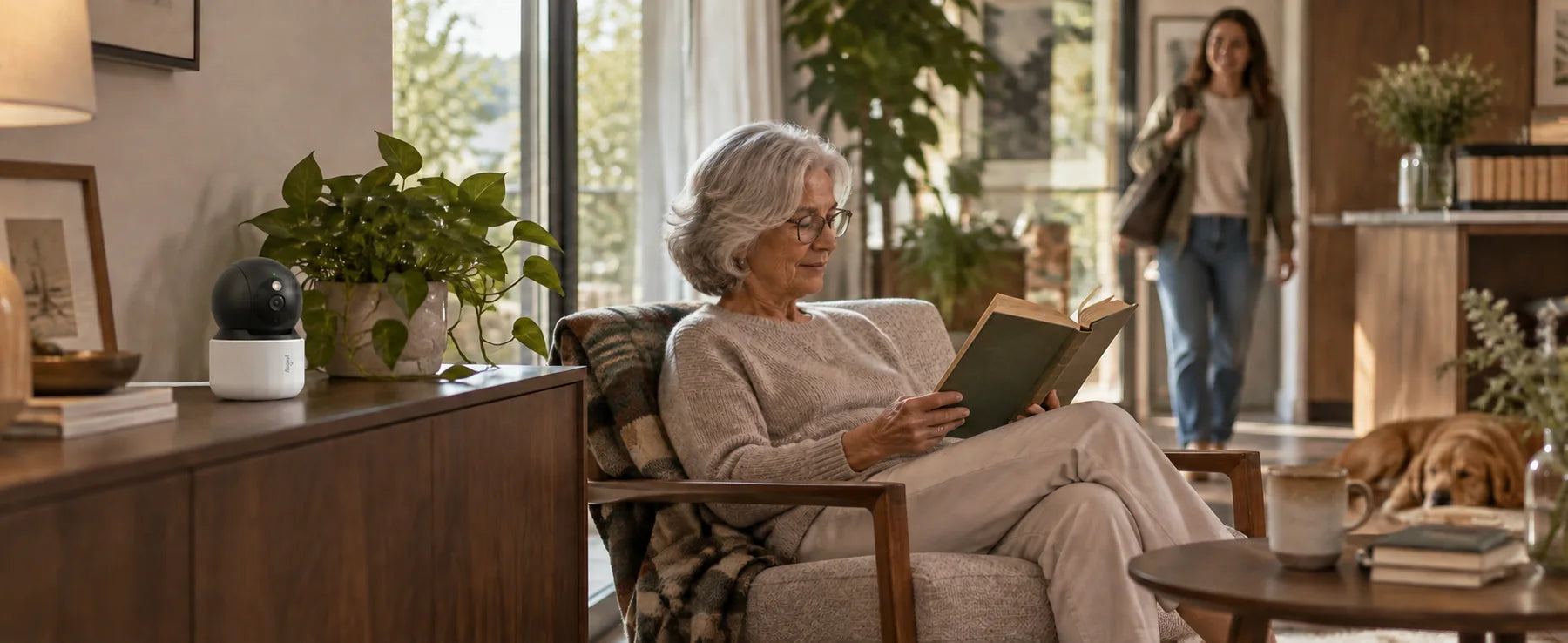
Stay connected to everyday routines with respectful whole-room indoor coverage.
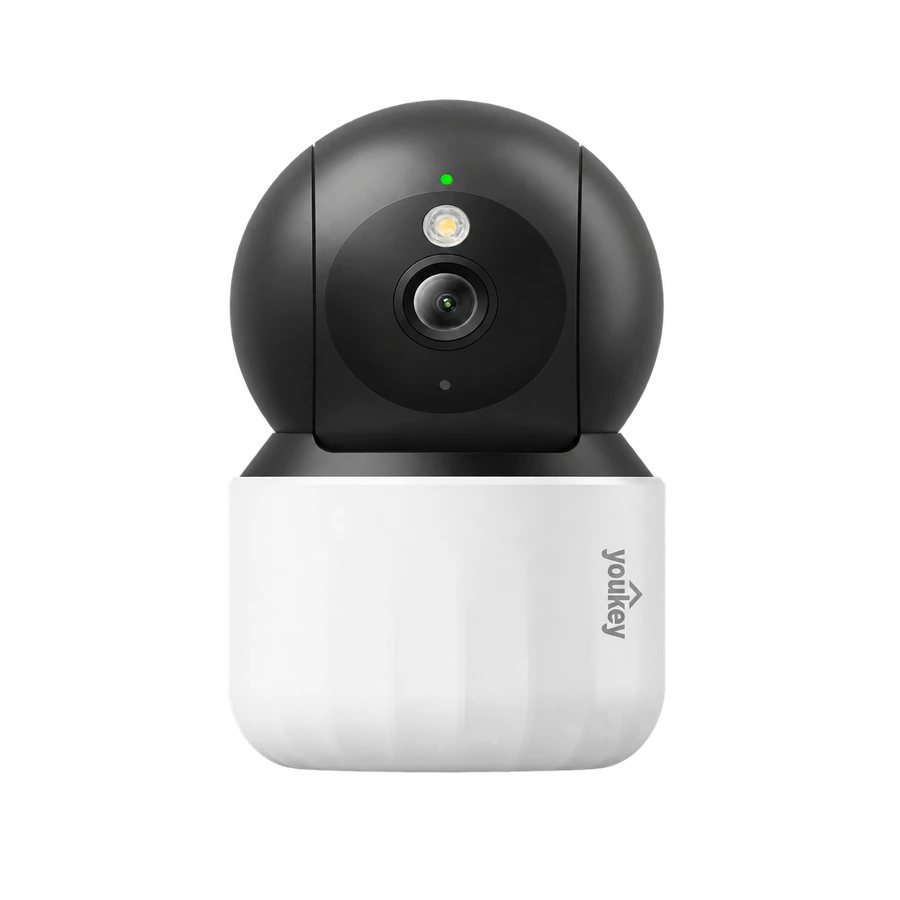
See more of the room with 360° coverage, auto tracking, smart detection, audio awareness, local recording, and a physical privacy mode.
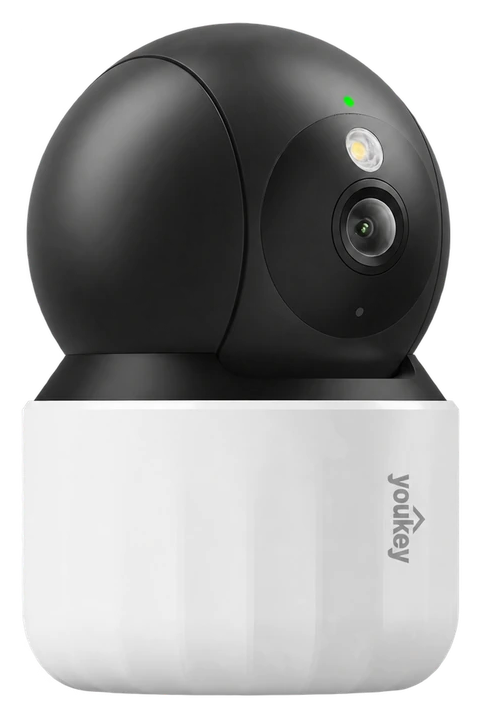
Keep event clips local with microSD storage—no required monthly subscription for core local recording.
Add a compatible microSD card (not included) for local recording directly on P311A. Card sold separately.
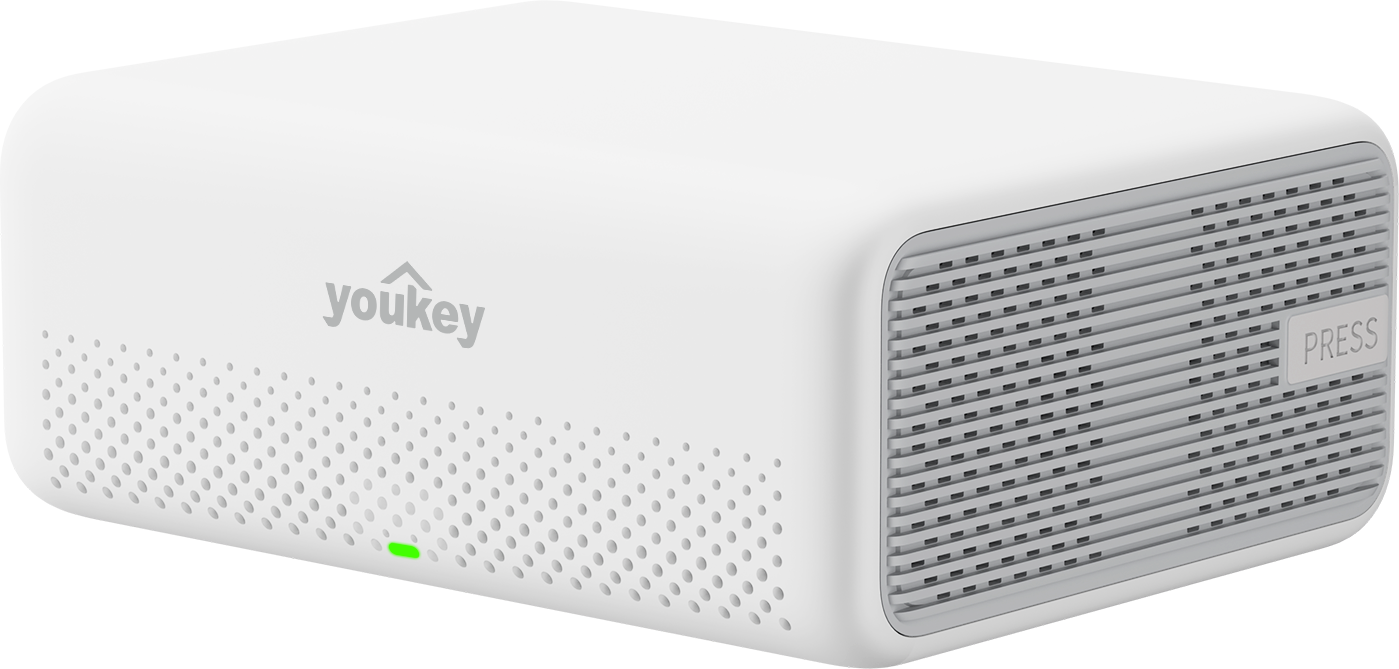
Bring P311A into a broader Youkey home setup and connect multiple compatible cameras through H310.


Compare P311A with three Youkey indoor cameras across the features that matter most when choosing the right camera for each space.
| Category | P311A | P310 | P370A | S320 |
|---|---|---|---|---|
| Product image |  |  |  |  |
| Best use | Whole-room indoor monitoring | Whole-room indoor monitoring | Compact fixed-view indoor monitoring | Flexible indoor / outdoor monitoring |
| Use range | Indoor | Indoor | Indoor | Indoor + outdoor / IP65 |
| Resolution | 2K (2304 × 1296) | 2.5K (2560 × 1440) | 2K (2304 × 1296) | 2.5K (2560 × 1440) |
| Smart detection | Human, human tracking, pet, audio, cry | Human, human tracking, pet, audio, cry | Human, pet, audio, cry | Motion, human, pet |
| Pet command | Yes | Yes | Yes | No |
| Lens / aperture | 4.0 mm · F2.0 | 2.8 mm · F1.6 | 2.8 mm · F2.0 | 2.2 mm · F1.6 |
| Mounting | Ceiling mount or desktop placement | Ceiling mount or desktop placement | Magnetic base, wall mount, or desktop placement | Magnetic base, wall mount, or desktop placement |
| Night vision | Infrared | Infrared | Infrared | Color night vision + infrared |
| Power | Type-C DC 5V/1.5A | Type-C DC 5V/1.5A | Type-C DC 5V/1A | 6400mAh rechargeable battery Type-C DC 5V/2A |
| Network | 2.4GHz Wi‑Fi 6 | 2.4 / 5GHz Wi‑Fi 6 | 2.4GHz Wi‑Fi 6 | 2.4 / 5GHz Wi‑Fi 6 |
| Setup | Bluetooth-assisted setup | Bluetooth-assisted setup | Bluetooth-assisted setup | Bluetooth-assisted setup |
| View type | Pan & tilt | Pan & tilt | Fixed view | Fixed wide view |
| Coverage angle | 77.8° field of view pan 0–350° + tilt −15–90° | 113° field of view pan 0–350° + tilt −10–55° | 105.1° field of view | 150° field of view |
| Smart-home support | Alexa / Google support | Alexa / Google support | Alexa / Google support | Alexa / Google support |
| Local storage | microSD up to 512GB (not included) | microSD up to 512GB (not included) | microSD up to 512GB (not included) | Built-in 8GB eMMC |
| Recording type | 24/7 continuous or event recording | 24/7 continuous or event recording | 24/7 continuous or event recording | Event-triggered recording |
| Two-way talk | Yes | Yes | Yes | Yes |
| How to control | Youkey Life app | Youkey Life app | Youkey Life app | Youkey Life app |
| Privacy mode | Physical privacy masking + in-app privacy mode | Physical privacy shield + in-app privacy mode | Up to 3 privacy-mask areas + one-tap camera off in app | Up to 3 privacy-mask areas + one-tap camera off in app |
| Buy | Buy on Amazon | Buy on Amazon | Buy on Amazon | Buy on Amazon |
Helpful answers to common questions about setup, features, recording, privacy, and everyday use.
Panoramic View makes the camera perform a 360-degree horizontal rotation so you can quickly check the whole room. PTZ Calibration corrects the pan/tilt position if the camera cannot reach the expected angle.
Go to Settings > Pet Command > Auto Response and first test the default audio. If there is no sound or it is very low, go to Settings > Audio and turn up the alarm volume. Then confirm Motion Detection is on, Pet is selected as the detection type, and the Detection Zone is set correctly.
Go to Settings and turn on Privacy Shield. The camera rotates to the privacy-shield position, and live view, recording, event detection, and alarm functions become unavailable until privacy mode is turned off.
Insert a microSD card and check its status in Device Settings > General > Local Storage. Format it if needed, then enable Continuous Recording in Device Settings > Video > Continuous Recording.
Check Local Storage status first. If Continuous Recording is off, confirm Motion Detection is enabled and the Security mode is not set to Disarmed. If notifications arrive but recordings do not appear, confirm Video Recording is enabled in the selected Security mode.
Enable Rotate Image 180° in Device Settings > General > Image Rotation.
Go to Device Settings > Sound Detection > Detection Type and select All Sounds. Crying only detects cries; All Sounds also detects other abnormal sounds.
Motion tracking works for human targets. The camera may not keep up if a person moves too fast. If the device stops tracking before reaching the physical limit, use Calibration on the live-view page to recalibrate the pan/tilt.
2K · Auto tracking · Subscription-free AI detection
Buy on Amazon ↗